

Shopify Store Translation: The 14 Things Your Customers Actually See
Somewhere on your store, right now, there is probably a sentence your customer cannot read.
Not on a product page. You translated those. It is hiding in a filter label, a delivery method at checkout, or the option names on a variant picker.
You will not see it, because you browse your store in your own language. Your customer will.
That is the trap with Shopify store translation. It looks like one job, but it is actually fourteen small ones, and most stores stop after the first three or four. This post walks through the full list, gives you a 15-minute audit to find your own gaps, and shows you how to think about cost before you commit to a tool.
Translation is a home-market decision, not just an export one
Most merchants file translation under "international expansion". That framing hides the easier win.
According to the US Census Bureau, nearly 68 million people in the United States spoke a language other than English at home in 2019, almost triple the figure from 1980 (https://www.census.gov/library/stories/2022/12/languages-we-speak-in-united-states.html). If you sell into Canada, every parcel lands in a country where French is an official language.
You do not need a new warehouse or a new ad budget to serve either group. You need your store to speak to them.
And language moves the sale. CSA Research surveyed 8,709 consumers across 29 countries and found that 76% of online shoppers prefer to buy products with information in their native language, and 40% will never buy from websites in other languages at all (https://csa-research.com/Blogs-Events/CSA-in-the-Media/Press-Releases/Consumers-Prefer-their-Own-Language).
That second number is the one to sit with. Four in ten will not even consider you.
So the question is not whether a second language is worth it. The question is whether your translation actually covers what customers see.
The 14 kinds of content in a Shopify store translation
Shopify stores expose fourteen distinct types of translatable content. Here is the full list, grouped by the job each layer does.
The catalog layer
This is the part everyone does. It is necessary, and nowhere near sufficient.
- Products: titles, descriptions, and their SEO fields
- Collections: titles, descriptions, and their SEO fields
- Pages: your about page, FAQ, size guides
- Blog posts: the articles themselves
- Blogs: the blog titles and handles around those articles
The navigation layer
Now the customer starts moving around, and this is where cracks appear.
- Menus: your navigation labels
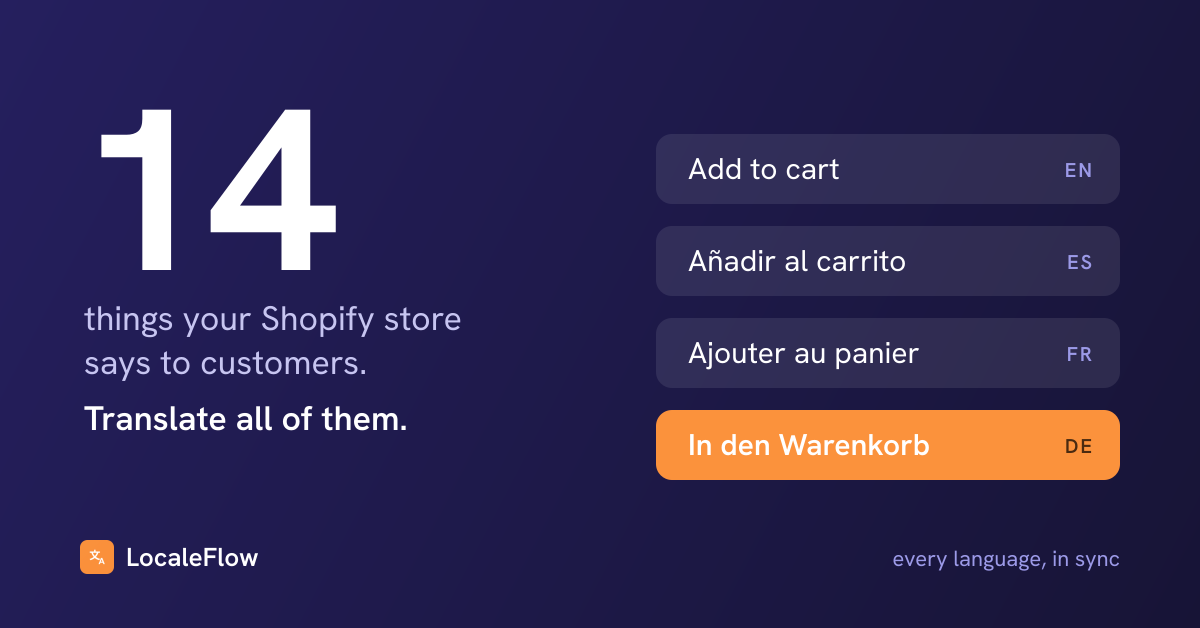
- Theme content: the buttons, banners, and section headings your theme hard-codes, like "Add to cart" and "You may also like"
A store with French product pages and an English "Add to cart" button has told the customer exactly how much effort went into their experience.
The search layer
This layer is invisible on the page, but it decides whether anyone arrives at all.
- Shop-level SEO: your store's own meta title and description
- Image alt text: what search engines and screen readers get instead of the image
Translated alt text means your products can surface in image search in the customer's language. Untranslated alt text means that channel simply does not exist for them.
The checkout and trust layer
These four are the ones almost everyone misses, and they sit closest to the money.
- Product options: the names and values on the variant picker, like Size, Color, Small, Blue
- Storefront filter labels: the sidebar on your collection pages
- Delivery methods: the shipping names and descriptions at checkout
- Shop policies: refunds, privacy, terms, shipping
Think about what an untranslated checkout does at the worst possible moment. The customer has committed, card in hand, and the store suddenly switches language on them. That is where doubt shows up.
The remaining piece is metaobjects and metafields, the custom data many themes use for spec tables, ingredient lists, or size charts. If your theme leans on them, they are often half your visible content.
The 15-minute audit: find your gaps before your customers do
You do not need a tool to find out where you stand. You need fifteen minutes and a notepad.
- Switch your storefront to your second language
- Open a collection page and use every filter in the sidebar
- Open a product with variants and read the option names and values
- Add something to the cart and go to checkout, all the way to shipping options
- Read your refund policy
- Open a blog post
- Check your navigation menu, header and footer
- Right-click an image and inspect the alt text if you are comfortable doing that
Write down every piece of English you meet along the way. That list is your real translation coverage, as your customer experiences it. Most merchants who do this find the catalog layer done and at least three of the other layers untouched.
What to do with the list
Do not fix it alphabetically. Fix it in the order customers meet it on the way to paying you.
Checkout and delivery methods come first, because that is where hesitation is most expensive. Filters and product options come second, because they block the path to the product. The blog can wait until last.
What a half-translated store does to trust
A store that is 70% translated does not feel 70% trustworthy. It feels broken.
Mixed-language pages read as neglect, the same way a typo in a headline does, except the customer hits it repeatedly as they move toward checkout. And they rarely complain about it.
Remember the CSA number: 40% will not buy from a site in another language. They do not email you about it first. They leave.
Complete coverage in one extra language beats partial coverage in three. Depth wins over breadth here, because trust is binary at the moment of payment.
How to think about cost before you commit
Full disclosure: I co-own a translation app, so read this section knowing where I stand. The advice holds whichever tool you pick.
Translation apps generally price one of two ways. Some meter usage, charging by translated words or AI tokens. Others charge flat, by catalog size or by plan tier.
Metered pricing looks cheap on day one and gets expensive precisely when your store is healthy. New products, rewritten descriptions, a seasonal refresh: every edit burns allowance.
Whatever you evaluate, ask these questions before you pay:
- What happens to my bill when I rewrite every product description for a new season?
- Which of the fourteen content types does it cover? Ask specifically about filter labels, product options, delivery methods, and policies
- What happens when my catalog grows past the plan I signed up for?
- When I edit a product, do existing translations update on their own, or do I re-run them by hand?
That last question matters more than it looks, which brings us to the part most merchants never plan for.
Where AI translation fits
The same CSA survey found that 66% of online shoppers use machine translation to get by on foreign-language sites. Read that from the merchant's side: if you do not translate your store, your brand voice becomes whatever a browser plugin decides it is.
AI translation is now good enough to carry a full catalog. It is also the only realistic way to keep fourteen content types current on a store that changes every week. But good enough is a floor, not a ceiling.
A workable division of labor looks like this:
- -Let AI carry the volume: products, collections, filters, options, alt text
- Give human review to the pages where nuance is money: your best sellers, your homepage, your policies
- Protect brand names, product codes, and technical terms with term rules, so they are never translated at all
That last point saves real embarrassment. A product line called Cloud should not become Nube halfway through a Spanish sentence.
Translations rot. Plan for the sync, not just the launch
A translation project has no finish line. Your store changes every week, and every change quietly un-translates something.
You rewrite a bestseller's description, and the Spanish version now describes the old product. You add a new delivery option in November, and it shows up in English inside a French checkout. Six months after a launch with no sync plan, your store has drifted right back into the half-translated state from the audit above.
There are only two honest ways to handle this. Either your tooling watches for changes and re-syncs every language automatically, or a named person owns a monthly pass through the audit checklist.
Pick one deliberately. The default, nobody owns it, is how translations die.
Do this before Friday
Here is the whole post as one to-do list:
- Run the 15-minute audit in your second language, checkout included
- Fix the four most-missed types first: filter labels, product options, delivery methods, policies
- Ask your current or future translation app the four cost questions above
- Decide who or what keeps translations in sync, and write the decision down
Your product pages were never the problem. The gap is in the thirteen other places your store talks to customers. Close those, and the 40% who would never buy from a foreign-language store stop seeing one.
---
Guest Post Author: Kwadwo Adu is the commercial co-owner of LocaleFlow, a Shopify translation app that covers all 14 content types and re-syncs every language when your store changes. He builds ecommerce and AI products from Barcelona. See what full coverage looks like and find our more about Shopify Store Translation at localeflowapp.com.