

Third Party Apps Slowing Your Shopify Store? Fix Speed Issues
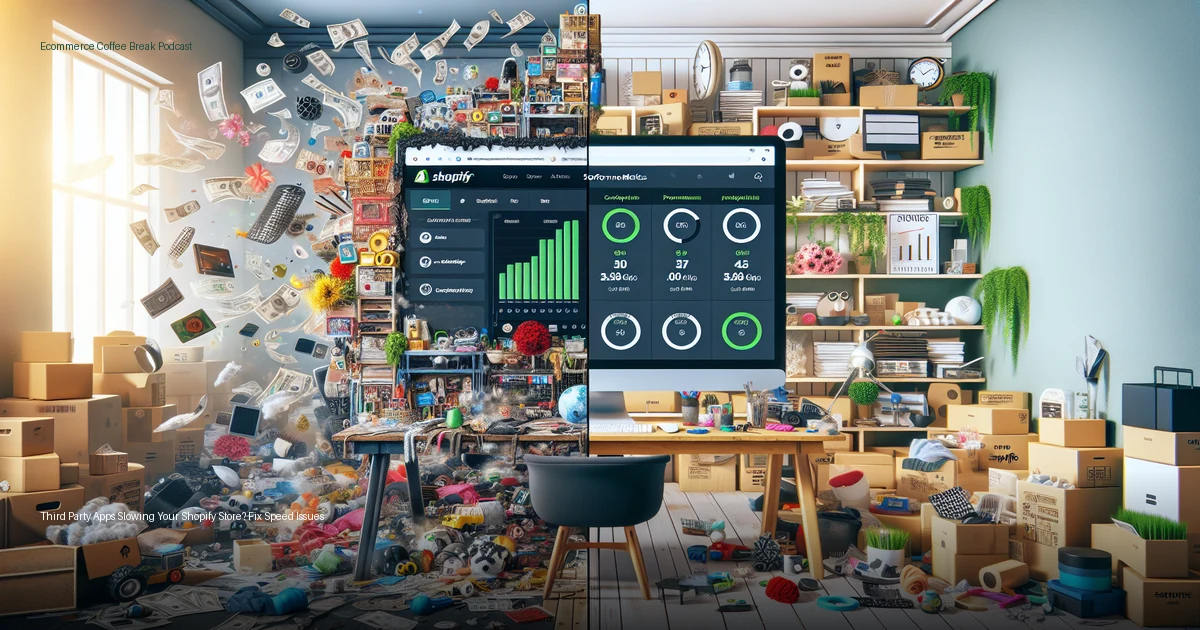
Third party apps are responsible for 75% of page load time on the average Shopify store, with merchants running nearly 60 third-party apps that create performance bottlenecks. The solution isn’t removing these valuable tools, but optimizing how they load and orchestrating them properly to maintain fast site speeds while preserving functionality.
The Hidden Performance Killer: Your App Stack
Most Shopify merchants focus on theme optimization when addressing site speed issues, but the real culprit lies elsewhere. According to Darin Archer, Vice President of Product Strategy at Yottaa, third party apps slowing Shopify stores account for approximately 70% of all performance issues, not the core theme code.
The problem compounds as stores mature. What starts as a clean, fast-loading theme becomes weighed down by essential business tools: personalization engines, product recommendation systems, analytics beacons, email capture tools, and marketing pixels. Each addition seems minor individually, but collectively they create what Archer describes as the difference between “a great orchestra with a conductor versus kids falling off a school bus.”
This performance degradation happens gradually, making it easy to miss. Store owners typically test their sites on fast office connections using desktop browsers, missing the mobile experience where most customers actually shop. The recommendation? Turn off your WiFi and test your store on a cellular connection to see what customers really experience.
Audit Your Third-Party Dependencies
Before optimizing anything, you need visibility into what’s actually running on your store. Many merchants discover surprising findings during performance audits:
- Ghost scripts: Code from apps you thought you removed months ago still running on certain pages
- Scope creep: Apps intended for homepage use only have spread across your entire site
- Unknown additions: Developers or team members have added tracking codes or tools without documenting them
- Redundant functionality: Multiple apps providing similar features, all loading simultaneously
The audit process should identify not just what’s running, but where it’s running and whether it’s necessary for each page type. A product page visitor coming from a Facebook ad doesn’t need every analytics beacon firing before they can see your product information and pricing.
Master the Art of Script Sequencing
The solution isn’t removing valuable third-party functionality—it’s controlling when and how these scripts load. Think of it like managing a nightclub opening, as Archer explains: “You’ve got to get your employees in first, get the place cleaned up, bartenders are there, and even some of your staff right before your VIP guests arrive.”
For ecommerce stores, this means:
- Core content first: Product information, pricing, and add-to-cart functionality should load before anything else
- Critical apps second: Essential personalization engines or inventory systems that affect the shopping experience
- Analytics and tracking third: These can load after the customer can interact with your store
- Nice-to-have features last: Social proof widgets, recommendation carousels, and promotional pop-ups
Many developers attempt to solve speed issues by simply deferring all third-party scripts to load after the main content. However, this approach backfires when you’ve invested in personalization tools that need to run before displaying products, or inventory systems that prevent overselling.
“When you have so many other things stepping in front of that customer experience, third parties account for about 75 percent of the page load time. Once we get that really humming, you can really start to drive conversion rate lifts of 6 to 12 percent.” – Darin Archer, Yottaa
Optimize Based on Your Customer’s Patience Threshold
Not all stores have the same speed requirements. The famous “three-second rule” applies broadly, but your specific customer base and product type determine your actual performance targets.
High-consideration purchases like luxury goods or complex products can typically maintain customer attention for 4-5 seconds because shoppers expect rich storytelling and detailed information. Conversely, stores selling commodity products available elsewhere (like on Amazon) have much smaller windows—often just 2 seconds before bounce rates spike dramatically.
Consider these factors when setting your speed targets:
- Product complexity: Technical or luxury items warrant more loading time for rich content
- Brand exclusivity: Unique products not available elsewhere buy you patience
- Traffic source: Paid traffic from campaigns expects immediate relevance
- Device usage: Mobile traffic, which represents the majority of ecommerce visits, has less patience than desktop
The optimization strategy should align with these realities. A store selling exclusive handcrafted items can prioritize rich visuals and storytelling elements, while a general merchandise retailer needs to optimize aggressively for speed above all else.
Measure Performance Impact on Revenue
Site speed optimization directly correlates with conversion improvements, but measuring this impact requires the right approach. Traditional analytics tools like Google Analytics excel at showing commercial performance—traffic sources, conversion funnels, and revenue—but they don’t reveal whether your customer experience actually loaded properly for each visitor.
Real user monitoring provides the missing piece by tracking actual load times across your entire visitor base, not just synthetic tests from your office. This data reveals whether the majority of your homepage visitors experience sub-three-second load times or if performance varies significantly by geographic location, device type, or traffic source.
Companies implementing proper third-party app optimization typically see:
- 30-60% improvement in page load speeds
- 6-12% increase in conversion rates on average
- Payback periods measured in weeks, not months
- Maintained functionality of all business-critical apps
One notable example: Perry Ellis achieved a 15% conversion rate lift after implementing proper app sequencing, resulting from a 37% improvement in site speed while maintaining all their existing functionality.
Key Takeaways
- Third-party apps account for 75% of page load time on average Shopify stores, making them the primary performance optimization target.
- The average Shopify store runs nearly 60 third-party apps, creating complex interdependencies that require orchestration rather than removal.
- Proper script sequencing can improve site speed by 30-60% while maintaining full app functionality and driving 6-12% conversion rate increases.
- Speed requirements vary by business model: luxury brands can sustain 4-5 second load times while commodity sellers need 2 seconds or less.
- Real user monitoring reveals actual customer experience across all visitors, providing more actionable data than synthetic speed tests.
- Performance optimization should prioritize core shopping functionality first, then layer in personalization, analytics, and enhancement features.